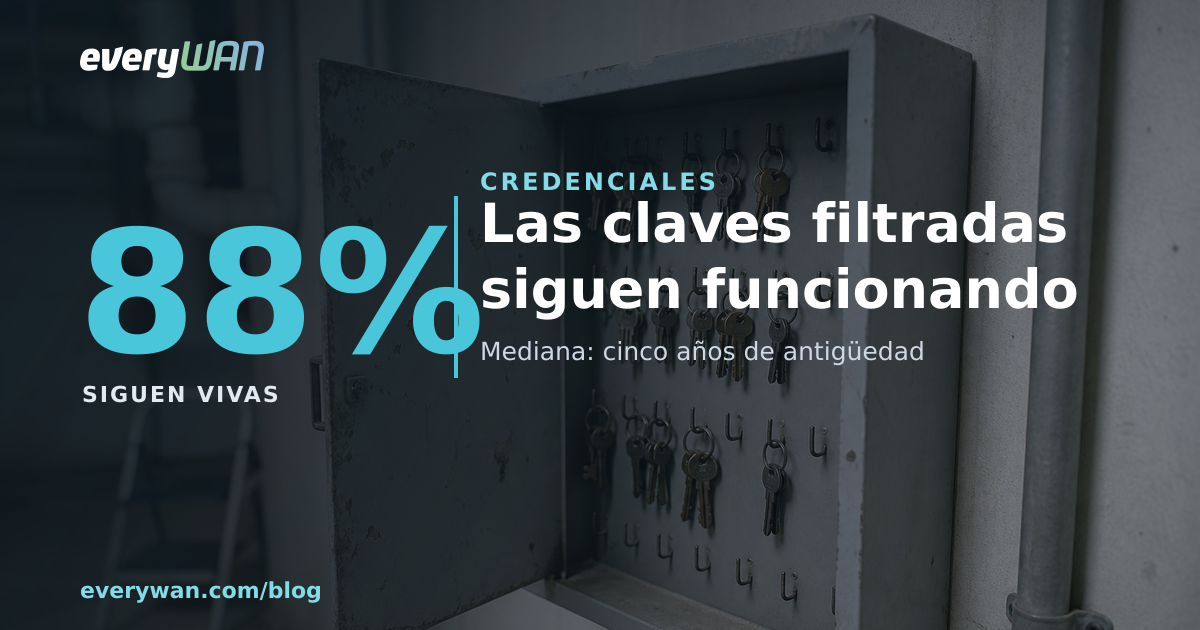
An AWS access key does not expire. There is no ninety-day prompt, no renewal email, nothing that switches it off on its own: you create it once and it stays there until somebody remembers to delete it. On 10 August, Truffle Security took 10,616 credential pairs that had been surfacing in the open since August 2022 and tested, one by one, which ones still answered. 88% answered.
They published the work on 19 August and the trade press picked it up two days later. They started from 431,875 verified findings, distilled 64,024 unique keys and re-verified 10,616 of them. Against each one they made read calls only — sts:GetCallerIdentity, iam:ListAccessKeys, the attached policies, the account contact, Organizations, Budgets and one Cost Explorer call per account — and they write it without decoration: they read no policy documents, no resources, no data, and modified nothing. They say they are notifying, ahead of publication, every owner they could identify: 10,260 of the 10,616 keys. You can pick at that methodology from other angles, but it is declared in full, which is more than most reports carrying numbers like these bother to do.
Of the corporate keys, 94% opened the whole account
A key being alive still doesn't tell you how much it hurts. The interesting part comes next: of the 9,308 live keys they managed to classify, 817 could be traced to a company by cross-referencing the account contact with the username pattern. And of those 817, the breakdown is this: 526 were root account keys and 242 belonged to IAM users carrying the AdministratorAccess policy.
526 plus 242 is 768. Out of 817, that is 94%. The division is ours, not the report's: for every hundred leaked keys that could be given a company's face, ninety-four granted full control of the entire account, not access to one bucket or read permission on a queue.
And there is a worse subset. 130 live root keys sat in organisation management accounts, the account the whole tree hangs from in AWS Organizations. That is not one account compromised: it is the structure that governs the others. Worth remembering that AWS's own documentation carries a section headed "Don't create access keys for the root user" and recommends removing root credentials from member accounts in an organisation. Here are 526 that existed and were published on top of that.
The oldest key predates IAM
For 2,903 keys they could recover the creation date, and this is where the study stops describing a slip and starts describing sediment. The median age is 1,831 days: five years. Only 25, or 0.9%, had been created in the previous thirty days. This is not "somebody messed up yesterday"; it is a stratum of old credentials nobody has touched since. The rotation figure confirms it: only 398 of those 2,903 — 13.7% — had a newer key associated with the same user. Nobody replaced the rest.
The oldest key they found had existed for 17.4 years, which places it in March 2009. We did the arithmetic and then went to check what AWS had at the time: IAM did not exist. The report brushes it off as "nearly as old as IAM itself"; with both dates in front of you, that undersells it. Amazon announced the preview beta on 2 September 2010 and general availability on 3 May 2011. A 2009 credential could not have been born as an IAM user key because there were no IAM users; it was the account credential, from when the only identity an AWS account had was the account itself. Seventeen years later it still authenticates.
AWS had already warned them, and the key still opened the door
This is the nuance from the report that interested us most, because it explains a good chunk of the 88%. 929 of the 7,590 active IAM users, 12%, had the AWSCompromisedKeyQuarantine policy attached: the one AWS bolts on by itself when it detects a credential out in the wild. Which is to say, AWS already knew.
It is worth knowing exactly what that policy does and doesn't do, because the name misleads. Per AWS's own documentation, it denies a specific set of actions — creating access keys, touching IAM users, roles and groups, launching EC2 instances, Lambda permissions, CloudTrail lookups — with the stated aim of limiting potential damage without impacting existing resources. What it does not do is invalidate the credential: the key stays valid and keeps authenticating. Containing is not closing.
AWS notifies affected customers whenever it becomes aware of exposed keys, and applies those quarantine policies. It works. The hole is on the other side of the email: somebody has to open it, work out whose five-year-old key that is, check what breaks if they delete it, and delete it. The provider does not do that part.
And then there is Hugging Face
The material came from predictable places: public git histories, Docker images, package registries, CI/CD logs. And there is another place Truffle Security counts separately, outside that tally: on Hugging Face, the platform where models and training data get shared, AWS credentials are the second most common secret type they verify, with 8,482 unique live keys spread across 3,394 public datasets. And there the keys skew privileged: 17.9% are root.
It has a boring explanation, which is exactly why it is dangerous. A code repository goes through review, has somebody looking at it in a merge request and, increasingly, a secret scanner in the pre-commit hook. A dataset goes through none of that. It is a large file somebody uploads because the model needs it, and inside go logs, dumps, notebooks and config files nobody reads line by line because they run to four gigabytes. The review that does exist for code has not extended to training material, and the number is the result.
This is what sits behind a sentence we repeat a lot when we build AI automation inside a company: the first question is not which model, it is what leaves the building. What gets uploaded for training, for evaluation, or to a third-party provider, and what is inside it. We already wrote about the other end of this rope, the day an issue title walked off with a token: same pattern, a piece of data nobody considers dangerous dragging a credential behind it.
The cheapest detector is on one account in ten
There is one figure in the report that strikes us as the most actionable of the lot. Of the accounts they could query, only 262 — 9.5% — had a budget alert configured. And the median of those alerts sits at 8 dollars. Meanwhile, aggregate July spend across the measured accounts was 420,631 dollars, with 50 accounts above 1,000 and 9 above 10,000.
A budget alert is not a security tool, which is why nobody counts it as one. But it is the closest thing to a cheap intrusion detector that exists in a public cloud: the typical use of a stolen credential — mining, bulk sending, large instances in a region you don't use — shows up on the bill before it shows up in any log you are actually watching. A ten-euro budget with an email alert prevents absolutely nothing, it only warns you, and that is precisely what was missing in nine out of ten accounts in this study.
What we are not going to recommend
The textbook reaction to a report like this is to buy a secrets manager. It is not what we would say if you called tomorrow. A secrets manager stacked on top of an inventory that doesn't exist moves the problem and adds a dependency. The first step is the boring list — how many long-lived credentials are alive, who owns each one, what breaks if it disappears — and almost nobody has that list complete. When it finally does exist, there are almost always keys that can be switched off without anyone noticing, because no system was using them any more.
And it is time to declare the interest, or the lack of it. We do not make our living from AWS. We run Proxmox VE with Ceph in production and our own hardware in datacentres, so this post is not an invitation to move clouds nor an argument for ours. We are writing it because the pattern is not an AWS pattern: it belongs to any credential that gets created once and never expires. A Proxmox API token with no expiry date, a Proxmox Backup Server key buried in a 2021 script, an Entra ID application secret last renewed by somebody who no longer works there. Writing about the column that was encrypted and stored cleartext produced the same moral: the problem is almost never the algorithm, it is where the key ended up. And the token that never gets around to asking for the second factor is the same animal in a different skin.
The order we do it in
With the study's numbers in front of us, this is the order we argue for in a consulting engagement — and we argue for it because we don't resell anybody's licences, so the list isn't skewed by what we'd earn on it:
- 1.Count. How many long-lived credentials exist, on which platforms and since when. We do exactly this with networks using NetBox as the source of truth; for credentials the idea is identical — a living list rather than a spreadsheet from two trade shows ago.
- 2.Give each one an owner. An unowned credential never gets rotated, because nobody dares touch something when they don't know what it breaks. That is where the 13.7% comes from.
- 3.Get them off laptops. Our deployments run through GitOps CI/CD with GitLab on Docker Swarm, and what we appreciate most about that, even more than the reproducibility, is that the secret lives in one place instead of on fourteen machines belonging to fourteen people.
- 4.Set the spend canary. The budget alert we discussed above, on every cloud account you have, including the sandbox. Especially the sandbox.
None of this is brilliant and none of the four points sells well. But look at the study's distribution again: a five-year median and 0.9% created last month. With a shape like that, what you are missing is the habit of deleting.
The question is not how many leak
They leak every day, everywhere, on every platform, and anyone who says it has never happened at their place simply hasn't looked. The useful question is a different one: how long does a key that is already out there keep opening the door. Of the ones that let their date be read, the median was created five years ago. And 88% answered on 10 August, when somebody outside bothered to try. That, precisely, is what anyone can do.
Sources: methodology (431,875 findings, 64,024 unique keys, 10,616 pairs re-verified on 10 August with read calls only, 10,260 owners notified), the 88% that authenticate, the 817 / 526 / 242 / 768 breakdown, the 130 root keys in organisation management accounts, the ages (median 1,831 days, oldest 17.4 years, 25 keys from the previous 30 days), the 13.7% rotation rate (398 of 2,903), the 929 users carrying AWSCompromisedKeyQuarantine, the 8,482 keys across 3,394 Hugging Face datasets with 17.9% root, and the budget figures (262 accounts, median $8, $420,631 aggregate July spend) — Truffle Security, 19 August 2026. Coverage and the AWS response — BleepingComputer, 21 August 2026. Actual scope of the quarantine policy and the root-key recommendation — AWS documentation (AWSCompromisedKeyQuarantineV3 and root user best practices). IAM dates — AWS announcements of the preview beta (2 September 2010) and general availability (3 May 2011). Our own arithmetic: the 94% (768 out of 817) and placing the oldest key's 17.4 years in March 2009, before IAM existed.
How many long-lived credentials do you have alive right now?
If you can't answer that from memory, that is where to start. At everyWAN we build that inventory as part of vendor-agnostic consulting — we don't resell anybody's licences — and we review which credentials travel through your AI automation flows before anything leaves the building. If you already have it right, we'll tell you that too.
Talk to everyWAN

 Microsoft 365
 ES
ES  CAT
CAT  EN
EN